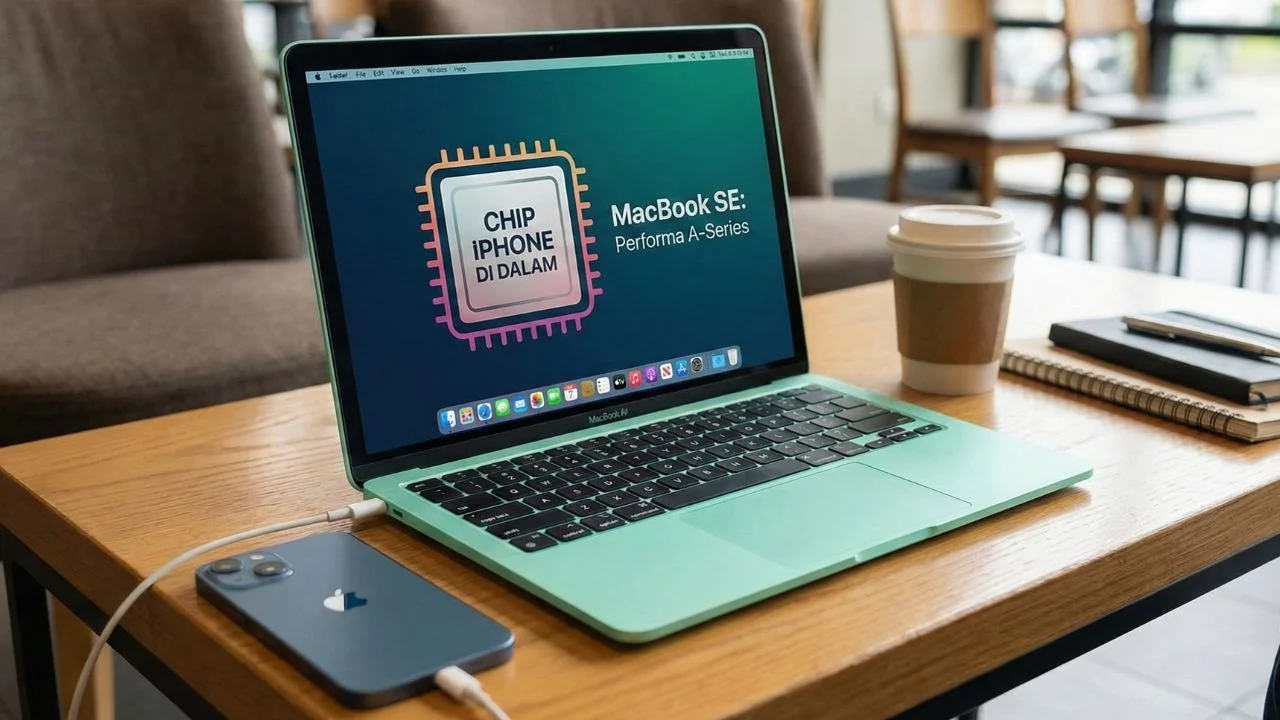




Shocking news comes from Apple at the beginning of March 2026. If hearing the word “MacBook” previously made us immediately think of prices in the tens to hundreds of millions of rupiah, this time Apple is disrupting the market by releasing a new product called MacBook Neo.
Sold starting at $599 (or about 9 million rupiah), this is the cheapest laptop Apple has ever made in recent years. But the biggest question is: is this super affordable price worth its specifications? Especially since Apple took a fairly bold step by not using an M-Series processor (like the usual M4 or M5 in MacBooks), but instead embedding the A18 Pro chip, exactly the same as the one used in the iPhone 16 Pro!
Let’s thoroughly dissect the specifications and internals of this MacBook Neo from the perspective of everyday users.
Design & Portability
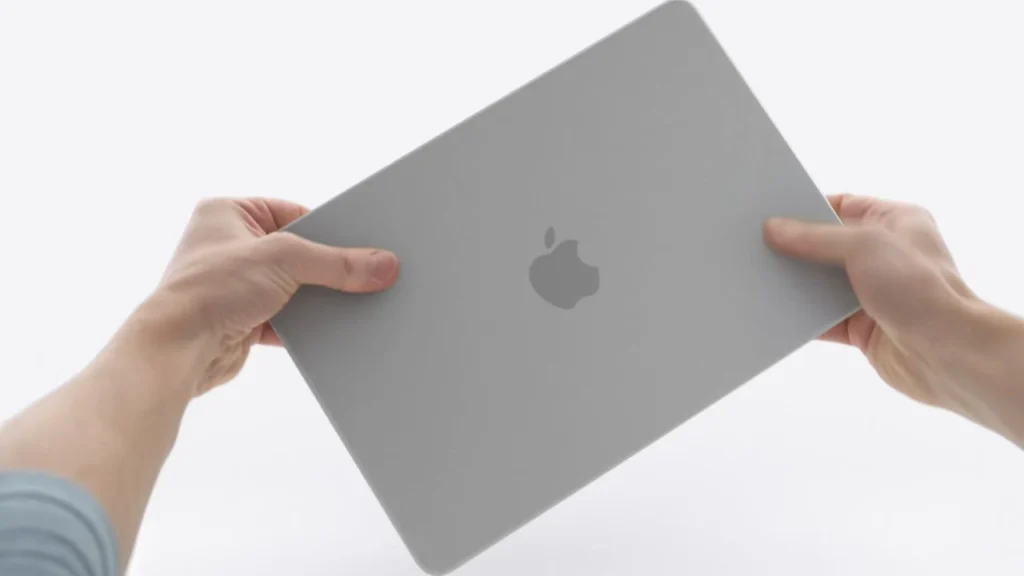
In terms of visual appearance, the MacBook Neo is like a combination of the sleek thin design of the MacBook Air and the colorful cheerfulness of the iMac. Apple offers four fresh and super aesthetic color choices, different from typical laptop colors: Silver, Indigo (dark blue), Blush (rosy pink), and Citrus (bright yellow). Perfect for those who like to stand out.
Its body is made from recycled aluminum material that is sturdy yet slim. Its thickness is only 1.27 cm and its weight is just 1.23 kg. For those with high mobility, like students who have to move between classes, office workers who often have meetings outside, or just like hanging out doing assignments in coffee shops, this laptop won’t make your back ache. It easily fits into a backpack, tote bag, or sling bag.
Another plus, the laptop’s cooling system design is fanless, meaning without a fan. That means this laptop is 100% silent. No more stories of the machine roaring noisily when you need quiet to type your thesis or focus on completing monthly reports.
Display Quality

Even though the price has been slashed drastically, fortunately Apple isn’t stingy with the display sector. The MacBook Neo is equipped with a 13-inch Liquid Retina display with a native resolution of 2408 x 1506 pixels. Its brightness reaches 500 nits and the display supports 1 billion colors.
For a laptop in its price class, this display quality is top-notch. If you often use the laptop in slightly bright places or near windows, the display has an anti-reflective coating so light reflections can be minimized. For daily needs like making presentations, hours of browsing, to marathon watching Netflix series or Korean dramas all day, its sharpness will pamper your eyes. Even the smallest text will look super sharp, so it won’t make your eyes tired quickly.
Performance & Internals
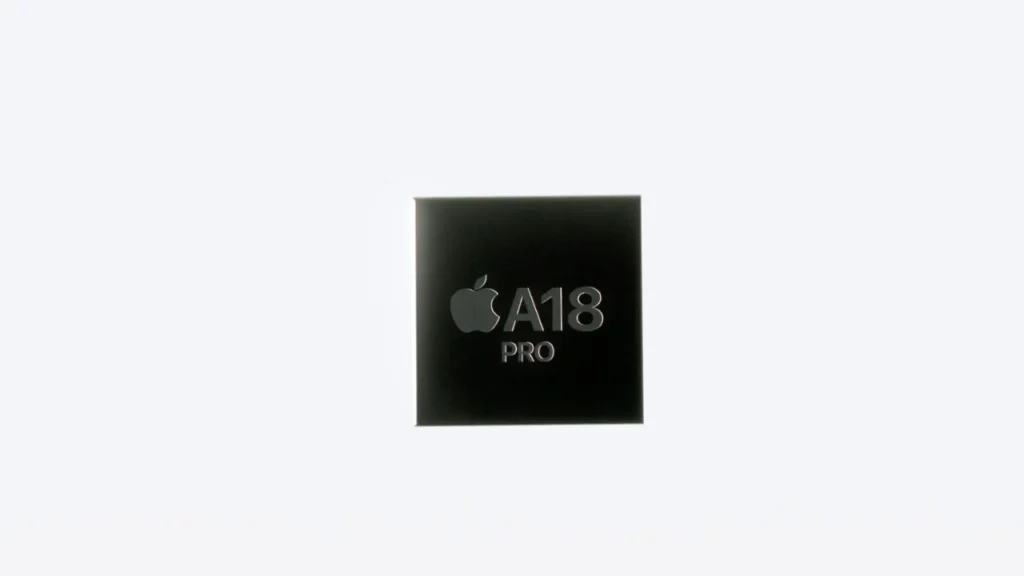
Now, this is the part that often becomes a topic of conversation. “A laptop using a phone chip?” Don’t judge prematurely; Apple uses the System on a Chip (SoC) A18 Pro which has extraordinarily powerful performance. Inside this chip are embedded:
- 6-core CPU (the main brain for processing applications).
- 5-core GPU (for graphics and visual processing).
- 16-core Neural Engine (a special brain for executing artificial intelligence or AI features).
How is its performance in the real world? If this laptop is “only” used to open dozens of Google Chrome tabs at once, typing documents, making presentation slides, listening to Spotify, or light photo and video editing for social media (like TikTok or Reels), the A18 Pro is more than sufficient. Everything is guaranteed smooth, responsive, and lag-free.
However, there’s one important thing you need to know: the RAM is permanently locked at 8GB, and you can’t upgrade its capacity later. Storage is only available in two memory options, namely 256GB or 512GB.
For those who need a laptop for heavy gaming, editing 4K resolution videos for large screens, or running professional 3D rendering applications, 8GB will clearly feel insufficient. But for general user scenarios, students, or online shop admins, the 8GB RAM management in Apple’s laptop ecosystem is designed very smartly so it still feels snappy.
Connectivity & Battery
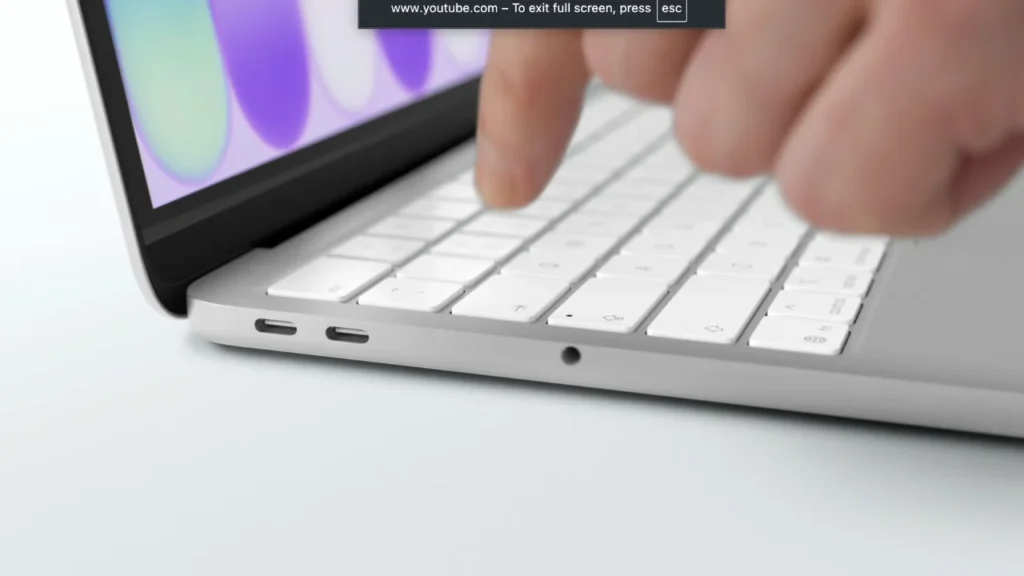
With an affordable price, there are naturally some compromises. Across the entire body of the MacBook Neo, you’ll only find two USB-C ports and one 3.5mm headphone jack (for those who still like using wired earphones).
Please note, the capabilities of these two USB-C ports are differentiated:
- One port supports USB 3 speed (can transfer data fairly quickly and can be connected to an external monitor or projector).
- The other port is limited to USB 2 speed (much slower, so ideally this port is dedicated just for charging the battery).
The good news is, its wireless internet connection is very up-to-date. The MacBook Neo is equipped with Wi-Fi 6E and Bluetooth 6.0. Internet connections to campus or cafe hotspots will be more stable, and pairing to TWS or Bluetooth speakers is guaranteed to have minimal delay.
For power, Apple embeds a battery claimed to last up to 16 hours for video watching or 11 hours for non-stop internet browsing. This means you can bring this laptop to campus or office from morning to evening without having to carry a charger!
Camera, Audio, and Artificial Intelligence (Apple Intelligence)
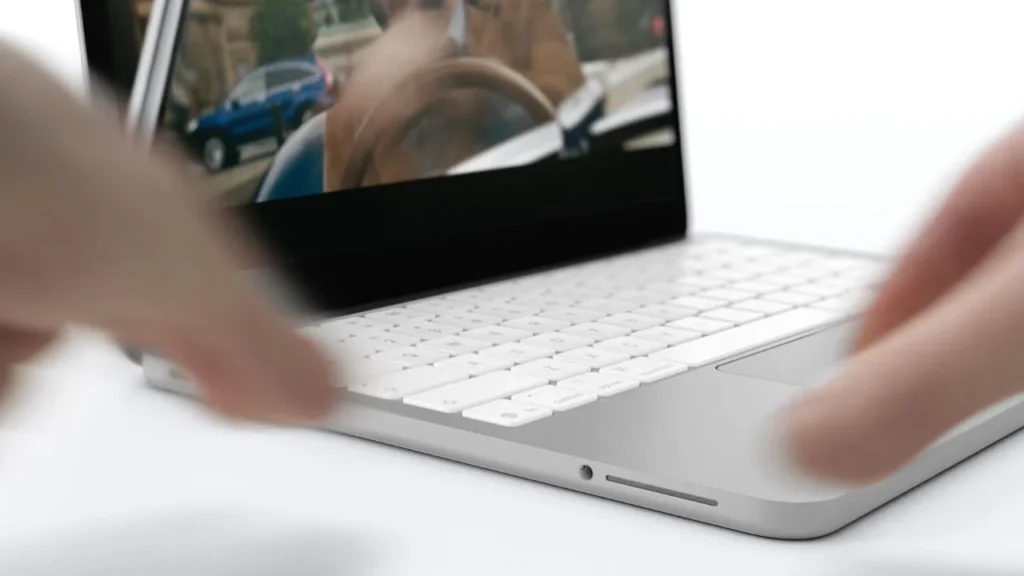
This laptop also packs a 1080p Webcam, so your face will still look clear, bright, and professional when you have to meet via Zoom or Google Meet. The audio sector is supported by a clear dual-speaker system, plus dual microphones with Voice Isolation feature so surrounding noisy sounds (like motorbikes passing or people chatting in a cafe) don’t leak when you’re speaking on the phone or in a meeting.
In terms of software, the MacBook Neo runs directly on the latest operating system macOS Tahoe. This is where Apple’s artificial intelligence (Apple Intelligence) shines. You’ll get smart features that can automatically tidy up writing drafts, change email language style to be more polite, to summarize long web articles in seconds. The cool thing is, everything is processed directly on the device securely.
One more thing, Apple still provides the super comfortable Magic Keyboard for long typing. However, an important note: the fingerprint sensor security feature aka Touch ID is only available on the 512GB variant. If you buy the cheapest 256GB version, you have to type the password manually every time you unlock the laptop.
Conclusion, Who is Suitable to Buy This Laptop?
The MacBook Neo is the most sensible “gateway” for those who want to experience the comfort of Apple’s laptop ecosystem without breaking the bank. This device is indeed not created for heavy professional workers.
But, if you are students, office workers, writers, or anyone who needs a lightweight, beautiful laptop with a sharp display and all-day battery for daily tasks, the MacBook Neo is clearly a very tempting choice in 2026.